Ema for everyday work

Emakin 9.0 brings AI into everyday process work in two ways. Ema, Emakin's built-in AI assistant, helps people find information and complete tasks, and helps process teams design and improve their workflows. MCP tools let the AI assistants your organisation already uses, such as Claude, ChatGPT or Copilot, work with Emakin directly. In both cases, AI works within the same permissions, rules and audit trail as every other Emakin user.

Ema for users, Ema for process teams, and MCP for your own AI assistants
Each one works within your existing roles, permissions and audit logs.
All three are included in Emakin 9.0, with no separate AI licence.
Ema sits inside Emakin and answers in plain language. Users can ask it to:

Find and summarise information in processes, cases, records and documents they can access
Explain where a request stands and what is waiting for them
Fill in forms and records from a short description
Start processes and move work forward
Ema only sees and does what the user is allowed to see and do. It does not get extra access because it is an AI.
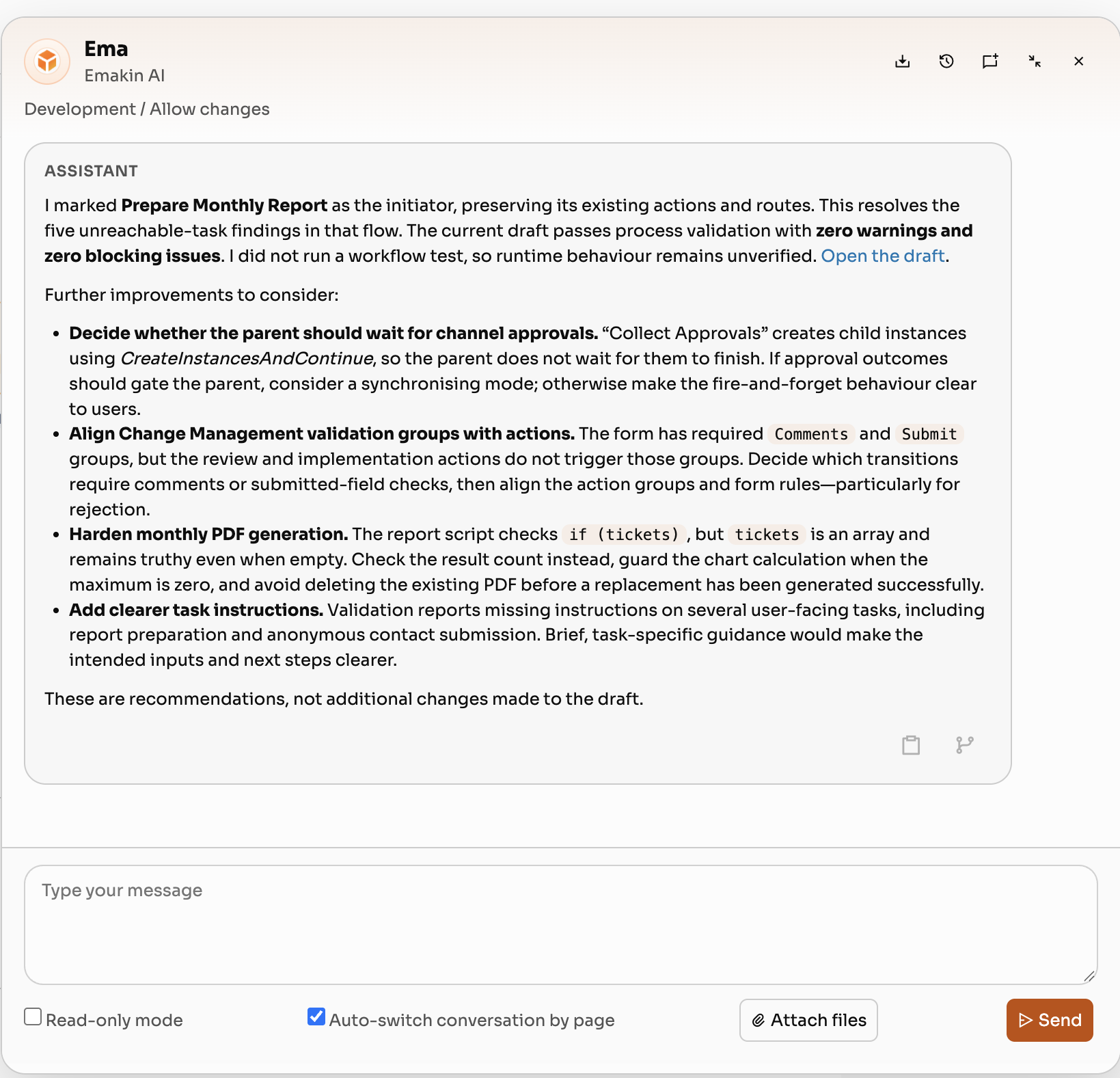
On process pages, Ema works as a companion for the people who build and maintain processes. It can:
Explain how an existing process works, step by step
Find gaps, unclear handoffs and parts that need review
Review forms, business data and scripts in the context of the process
Suggest improvements for a stated business goal
Validate a proposed change and explain the result
This lets mid-sized organisations design and adapt their own processes with less reliance on specialist developers, while larger teams move faster on routine design work.
Safe Mode lets teams ask for analysis and proposals without any change being made. Development assistance is enabled separately by an administrator, and organisations can give Ema their own standards as skills, for example a form layout guideline it applies when reviewing forms. Ema supports the developer; it does not replace testing, review or the final decision.
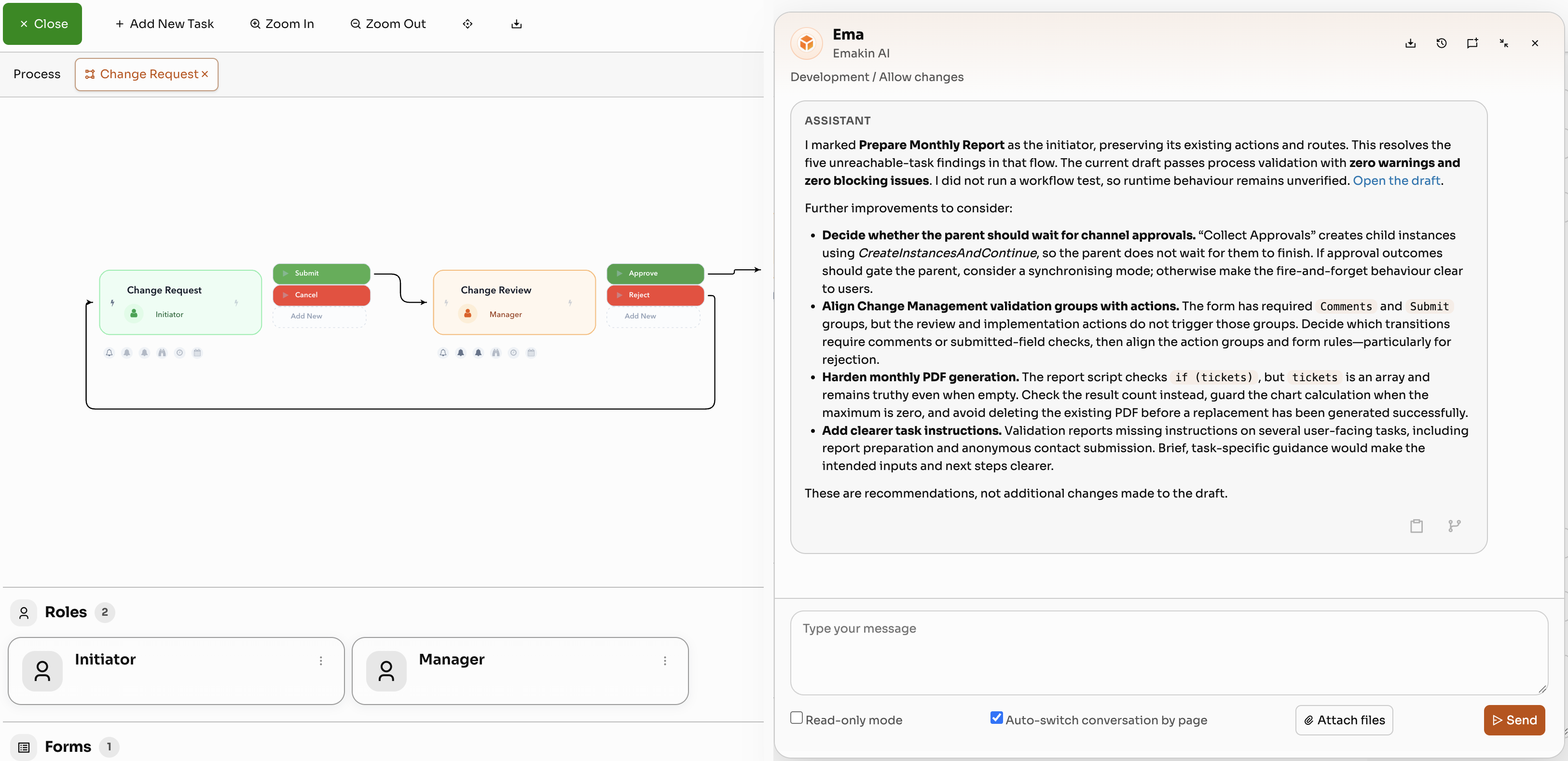
Emakin supports the Model Context Protocol (MCP), the open standard AI assistants use to connect to business systems. Emakin offers two MCP endpoints:
User endpoint: everyday work such as reading and completing work items, starting processes, and working with cases, people and files
Development endpoint: process-definition work such as inspecting or changing processes, forms and scripts
Connections use HTTPS and an Emakin access token tied to a real user. The assistant can only do what that user is permitted to do, and administrators decide which MCP endpoints are enabled.
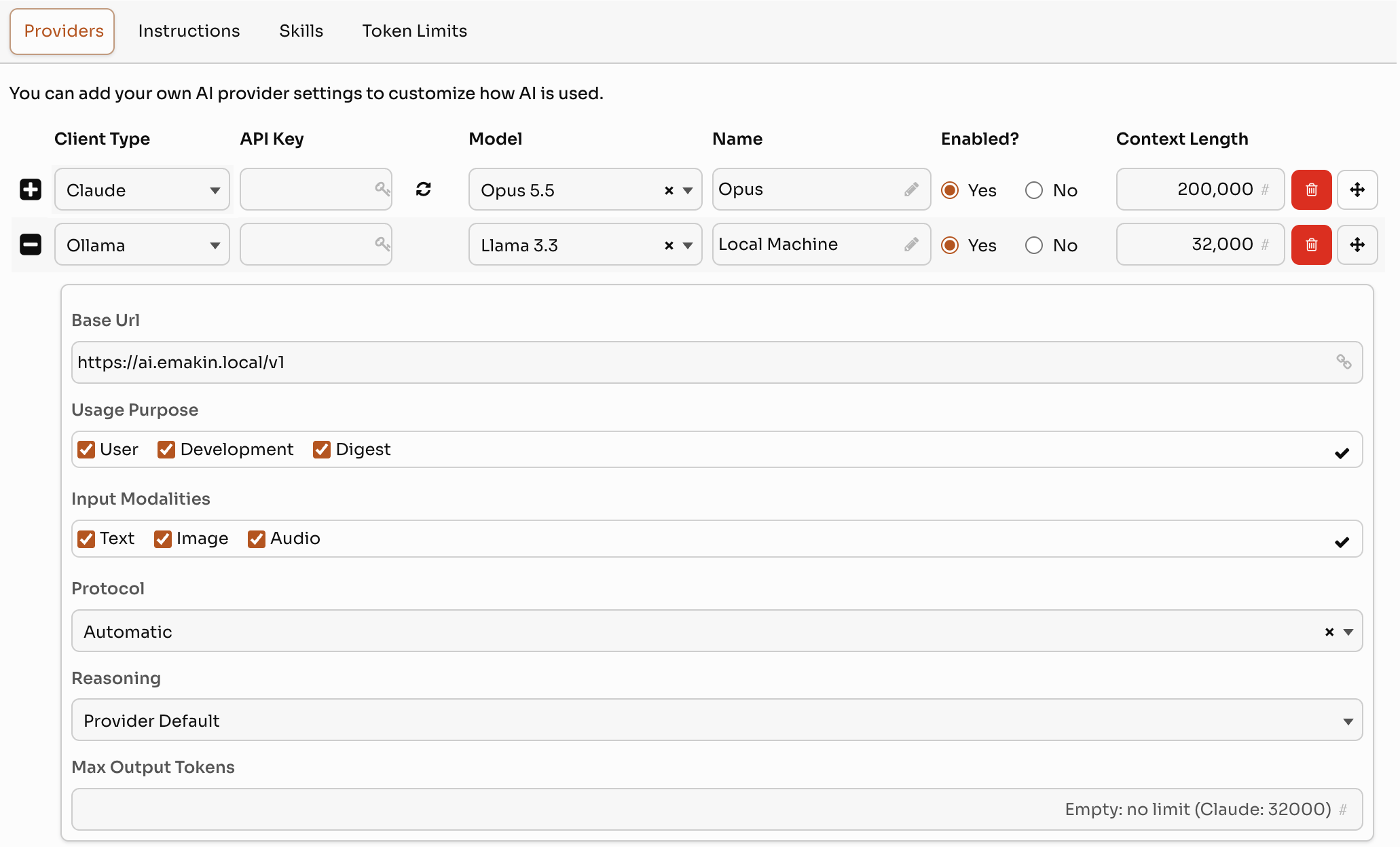
Ema does not require sending your data to a public AI service. In on-premises and private-cloud installations, Ema can run on a model hosted in your own data centre, so process data, documents and prompts stay inside your network.
Organisations that prefer a cloud service can connect Azure OpenAI, OpenAI, Anthropic or Google instead, and can change provider later without changing their processes.
Ema and MCP-connected assistants follow the same rules as every other Emakin user.
Permissions: AI follows each user's existing roles and access rights
Audit: AI actions are recorded in Emakin's audit logs
Model choice: Azure OpenAI, OpenAI, Anthropic, Google or a model in your own infrastructure
Deployment: cloud, on-premises or hybrid, including fully inside your own network
Continuity: if AI usage limits are reached, processes keep running without AI features
Ema and MCP tools are included in Emakin 9.0. Every Emakin user receives 10,000 Ema Tokens per year, renewed automatically with the licence, and additional token packages are available as usage grows.
Short answers to the questions we hear most about AI in Emakin.
Ema is Emakin's AI assistant. It helps users find information and complete tasks in plain language, and helps process teams understand, design and improve processes.
No. Ema works within the permissions of the user it is assisting.
Ema runs on the AI service your organisation configures: Azure OpenAI, OpenAI, Anthropic, Google, or a model hosted in your own infrastructure.
Yes. In on-premises and private-cloud installations, Ema can use a model hosted in your own infrastructure, so data and prompts stay inside your network.
MCP (Model Context Protocol) is an open standard that lets AI assistants connect to business systems. With Emakin's MCP tools, assistants such as Claude, ChatGPT or Copilot can work with your processes, tasks and records under Emakin's permissions and audit logs.
No. Ema and MCP tools are included in Emakin 9.0. Every user receives 10,000 Ema Tokens per year, renewed each year with the licence.
Your processes keep running. Only AI features pause until more tokens are added.
Ema can propose and, where allowed, apply process changes. Development assistance must be enabled by an administrator, Safe Mode keeps it to analysis only, and every change should be reviewed and validated before it goes live.
Your teams are ready for better ways to work. Emakin gives you the tools to build, automate, and optimise workflows quickly — so you can focus on growth, not routine tasks.

Emakin is a low-code platform that helps businesses quickly design, automate, and manage their business processes effortlessly.