


A Complete Folder for Complex Work
Adaptive case management (ACM) handles work that can't follow a rigid, predefined path. Unlike traditional workflows where every step is mapped in advance, adaptive cases evolve based on information gathered, decisions made, and exceptions encountered along the way.
Think of it as a smart folder that brings together everything needed to resolve complex work:

All tasks, documents, and data in one place
The information you need to make decisions at every stage
Automated triggers and escalations based on rules you define
Complete tracking of progress from start to finish
It's not a ticketing system. It's not a rigid workflow.
It's intelligent work management.
Case Management provides distinct advantages with features that make complex work manageable.

When you create a channel about a particular subject and include people, Emakin gives you the flexibility to relate cases with that specific channel.
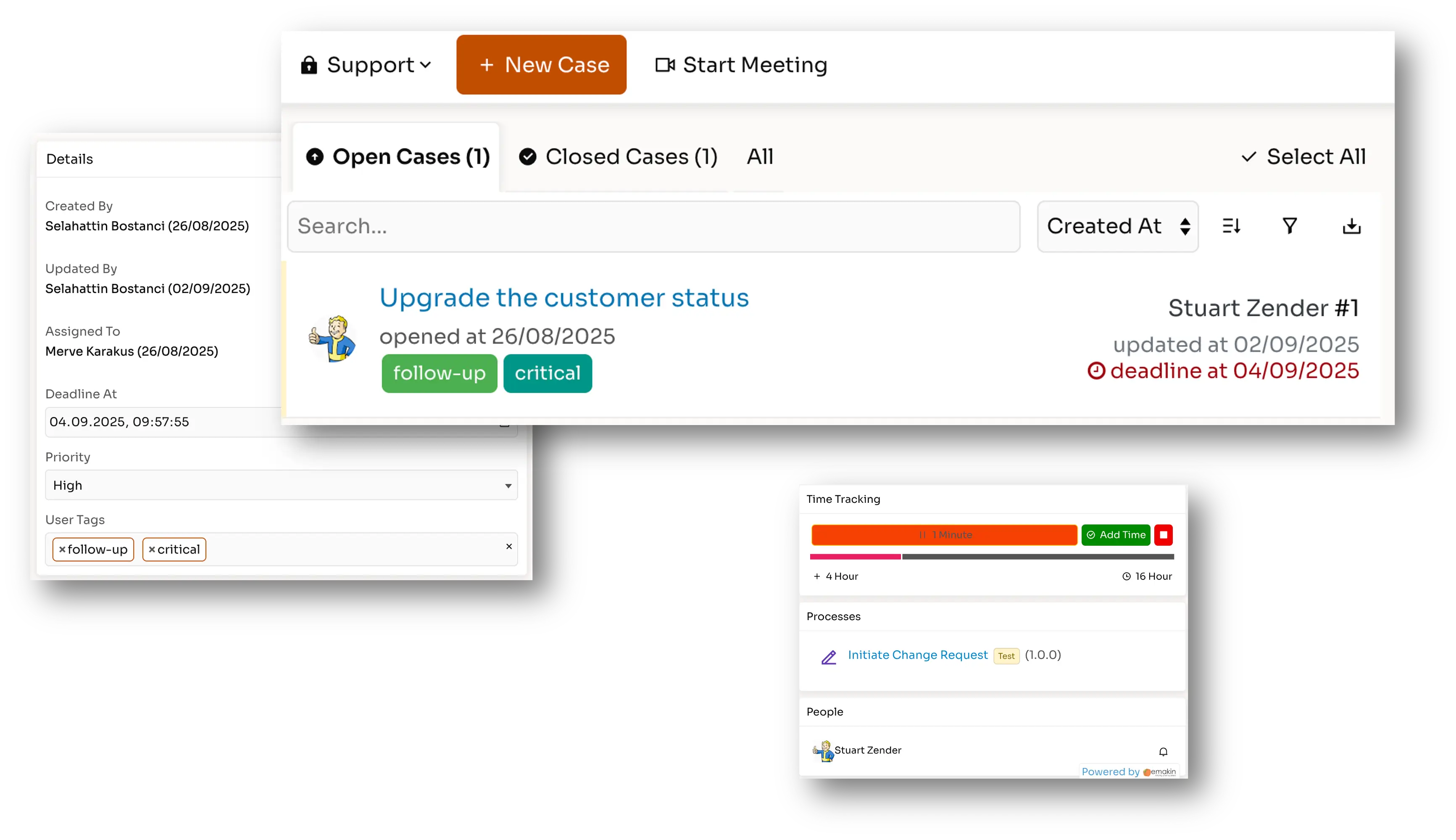
With the case tracking screen, you can:
Discuss specific cases with your team
Exchange files and documents
Observe team members' progress
Manage work with your activity flow
Track time spent on each case
Everything happens in one place—no jumping between systems or losing context.
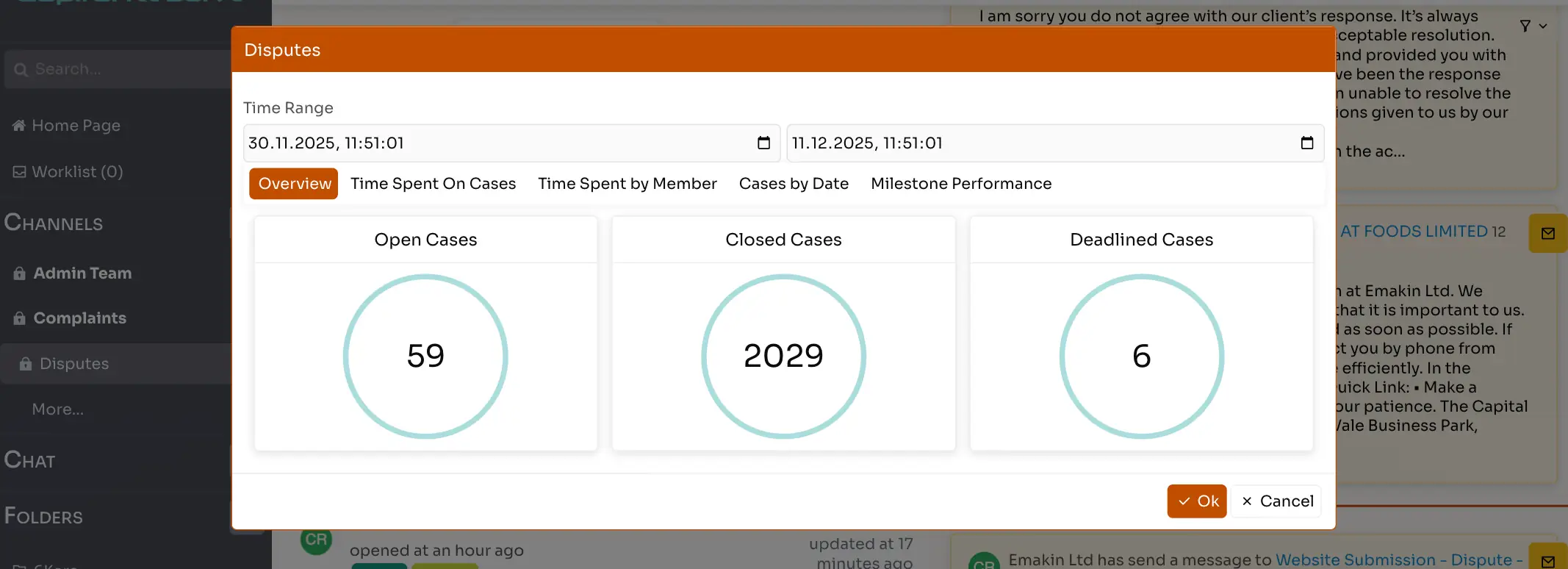
Emakin channels include detailed statistics and reports to view:
Open and closed cases by date — Track volume and resolution trends
Overall time spent on cases — Measure efficiency and resource allocation
Timesheets by members — Understand workload distribution
Milestones with violations — Identify SLA breaches before they become problems
From intake to resolution, you're in control—without needing to micromanage.
Turn Emails into Cases Automatically
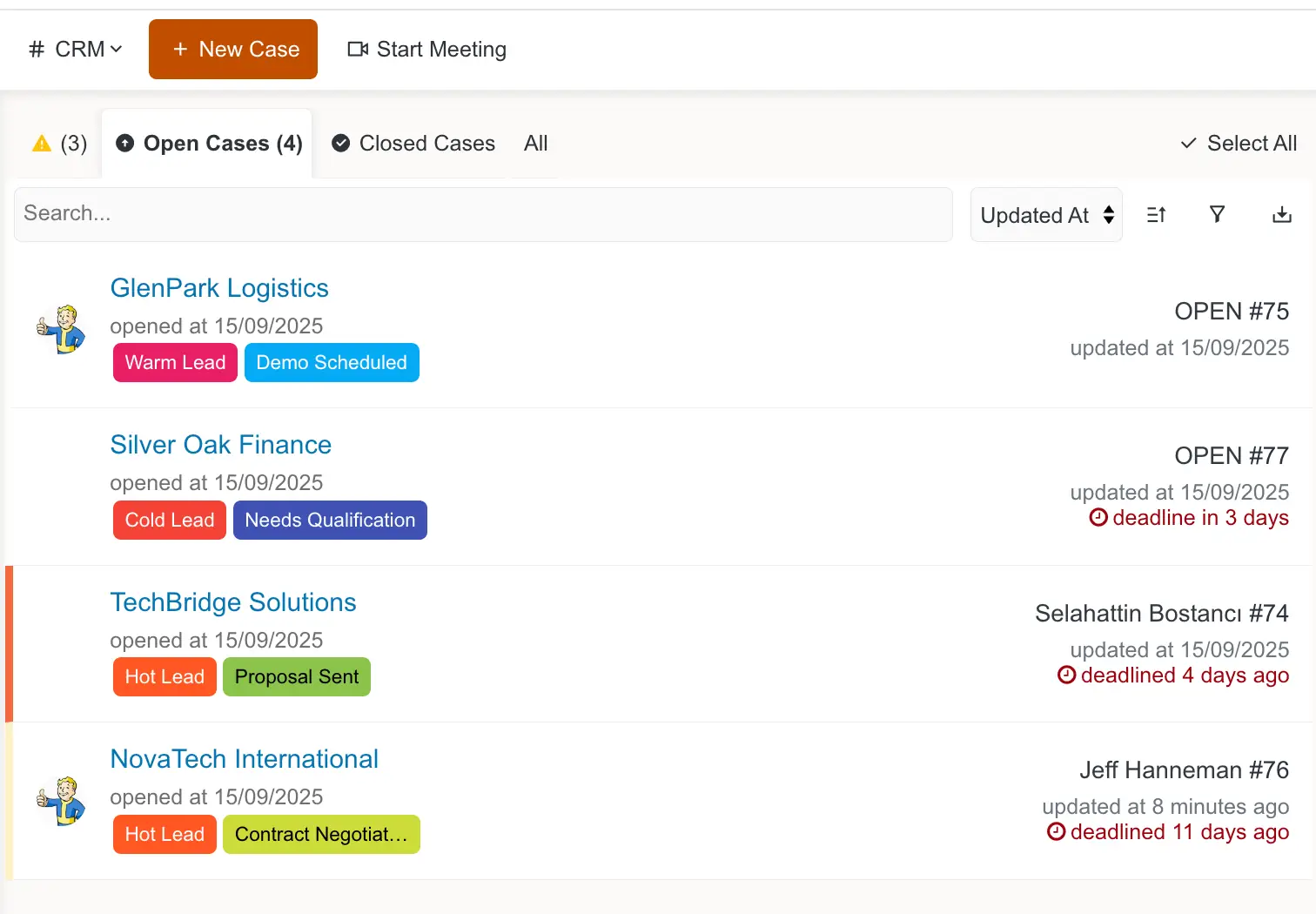
Emakin can monitor an email mailbox and automatically create cases from received emails, assigning them to team members based on rules you define.
How it works:

→ Email received
→ Case created automatically
→ Assigned to team member by rules

Once a case is created, next replies in the email thread are automatically attached to the existing case and notify the assigned member about new messages.

The assigned person or team member can reply to received emails from the case screen directly without using any email application.

All email attachments like documents and images are automatically archived in the case for future reference.
Email integration works bidirectionally with full thread preservation and attachment handling. Supports IMAP/SMTP protocols and works with any corporate mail server including Microsoft 365, Google Workspace, and on-premises Exchange.
Cases vs. Processes: Choose the Right Tool
Work is information-centric and collaborative (customer complaints, investigations)
The path emerges over time (fraud cases, legal inquiries)
Multiple people need to contribute (HR grievances, quality issues)
Context and history matter more than speed
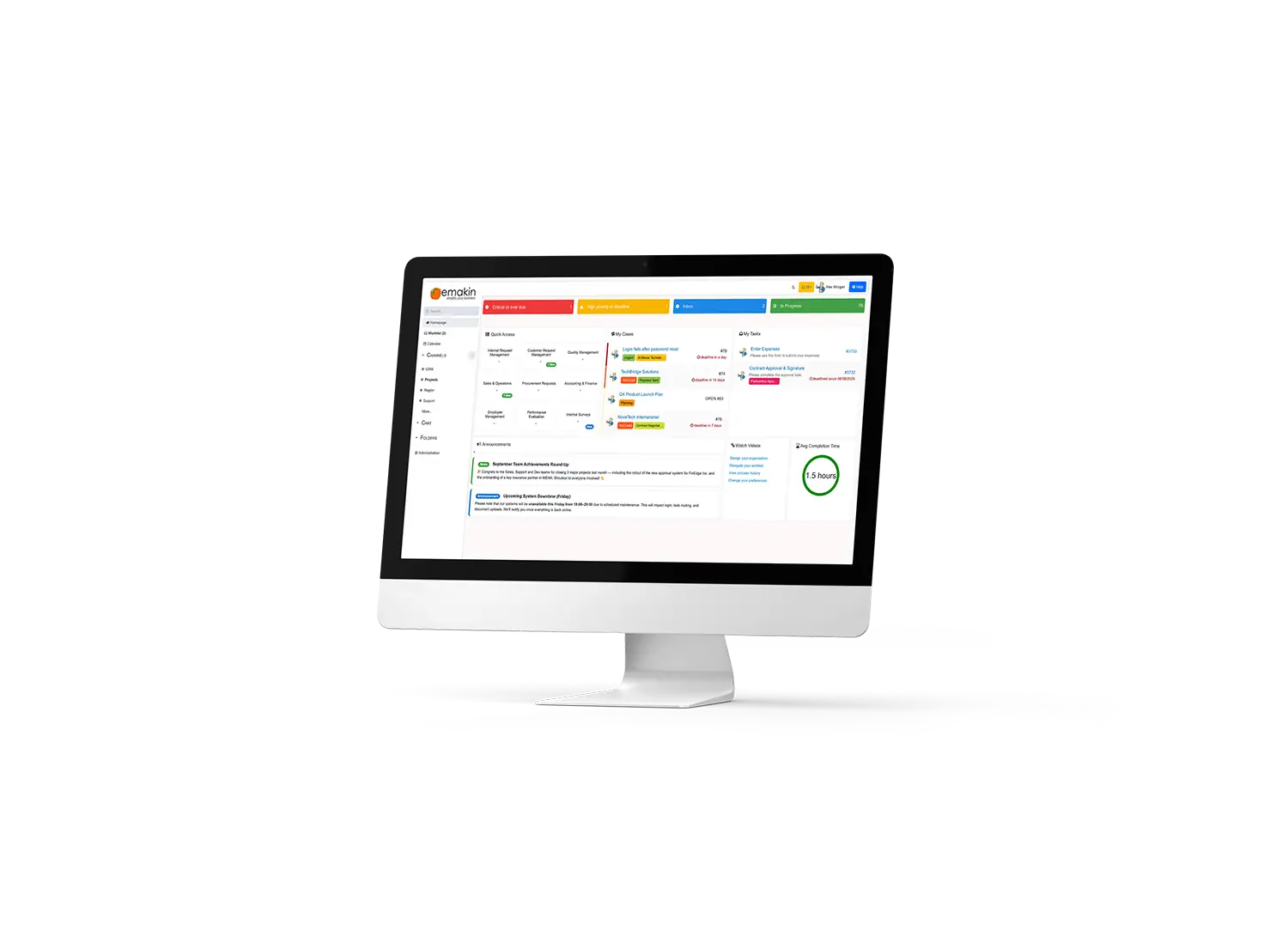
Cases can trigger workflows (complaint → investigation process)
Workflows can create cases (approval exception → dispute case)
No integration complexity - It's one platform with one data model, not two systems trying to talk to each other
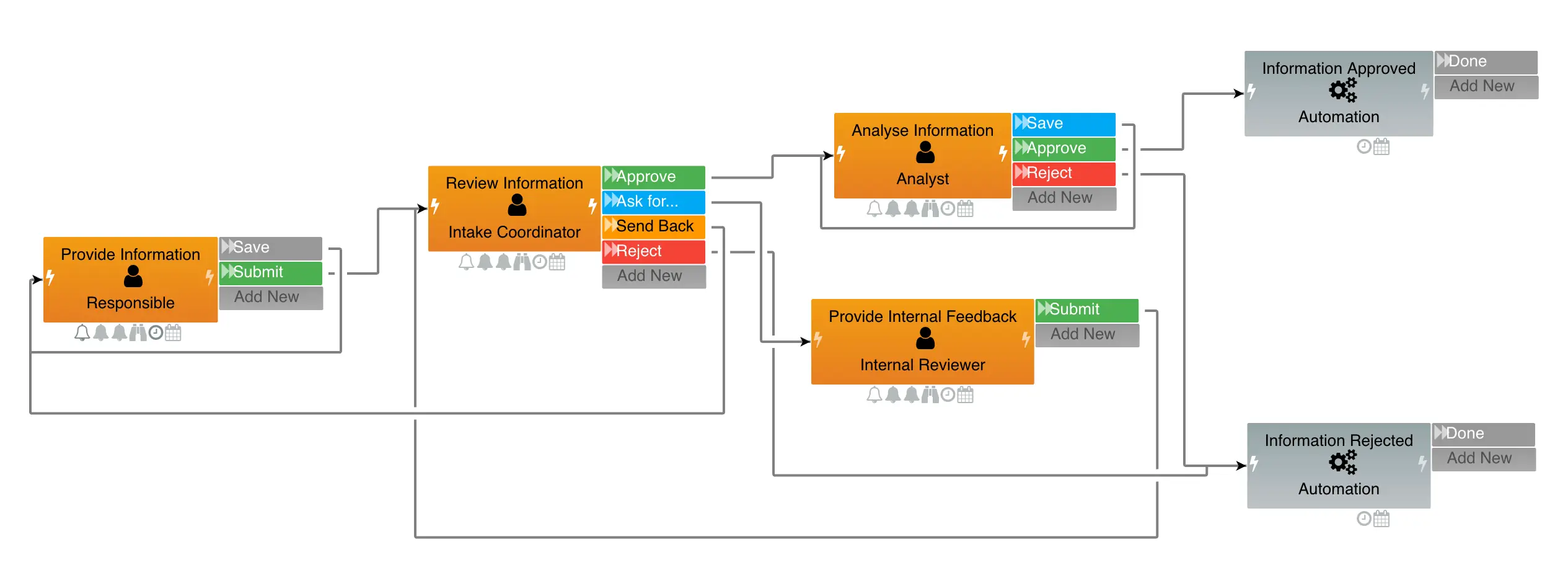
The path is predictable (purchase approvals, expense reports)
Rules are clear and consistent (routing based on amount, department)
Volume is high and speed matters
Automation is more important than flexibility
Your teams are ready for better ways to work. Emakin gives you the tools to build, automate, and optimise workflows quickly — so you can focus on growth, not routine tasks.

Emakin is a low-code platform that helps businesses quickly design, automate, and manage their business processes effortlessly.