
-
July 16, 2026
Operational Excellence: How BPM Drives Continuous Improvement
Learn more

Developer's guide to low-code: Speed vs control trade-offs, code extensibility, integration capabilities, use case fit. When low-code accelerates delivery, when traditional development remains necessary. Technical evaluation criteria and real implementation example.

Low-code platforms provoke strong reactions from developers. Some dismiss them as "toy tools" incapable of serious work. Others embrace them as productivity multipliers enabling rapid delivery. The reality sits between these extremes—low-code isn't a replacement for traditional development, but it's also far more capable than critics suggest.
This guide examines low-code from a developer's perspective. Not marketing hype about "everyone can code." Not dismissive criticism ignoring legitimate use cases. But honest assessment of what low-code does well, where it struggles, when developers should use it, and how it fits into professional development workflows.
You'll learn when low-code accelerates delivery, when traditional code remains necessary, how to extend low-code platforms, and how to evaluate whether low-code fits your specific requirements.
Low-code isn't a precise technical term—it's a spectrum.
Core concept: Visual development interfaces, pre-built components, and declarative configuration reduce the amount of hand-written code required to build applications.
The spectrum:
Visual workflow builders (minimal code):
Application platforms (low code with extensibility):
Framework accelerators (code-centric with generators):
This article focuses on the middle category: platforms genuinely reducing code requirements whilst allowing custom extensions when needed.
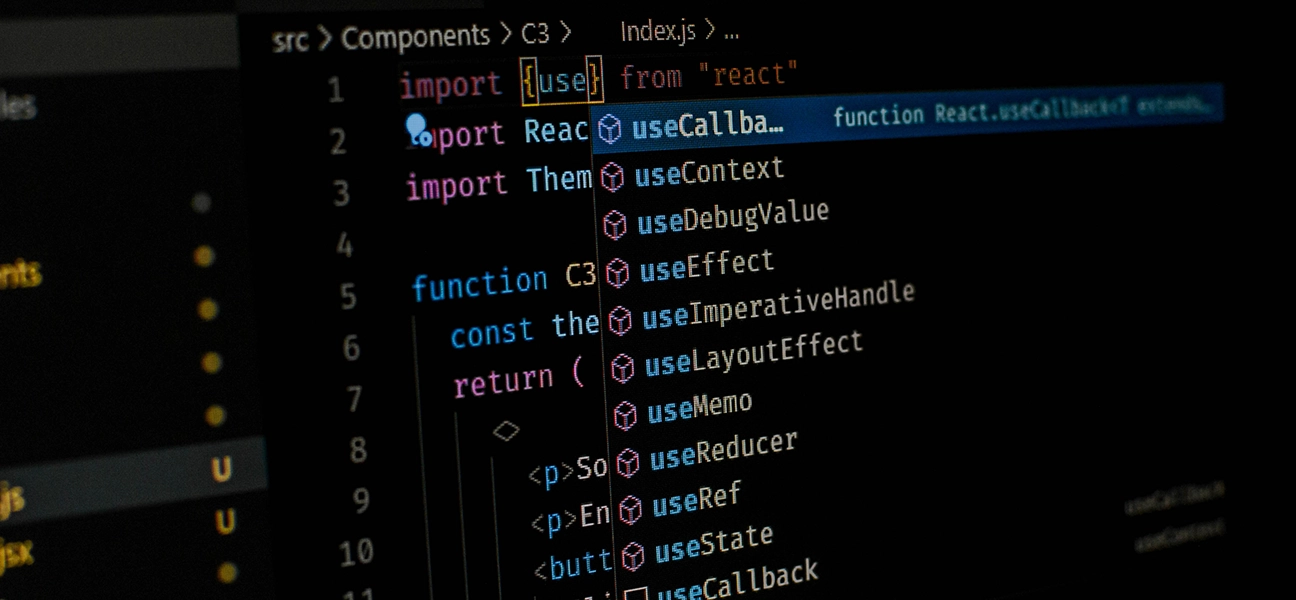
Why would professional developers use low-code?
Reality: 70-80% of business application functionality is standard—CRUD operations, forms, approval workflows, dashboards, reports.
Traditional development: Build these from scratch every time. Authentication, authorization, data validation, UI components, API endpoints—all manual.
Low-code approach: Pre-built components handle standard functionality. Developers configure rather than code.
Time comparison (employee onboarding app):
Developer perspective: "I don't want to build another login form, CRUD interface, or approval workflow from scratch. Let the platform handle that whilst I focus on actual business logic."
Traditional development cycle:
Cycle time: 30-60 minutes per iteration.
Low-code development cycle:
Cycle time: 5-10 minutes per iteration.
Impact: More iterations per day means faster learning, faster feature delivery, faster bug fixes.
Traditional approach: Developers maintain everything. Business process changes require developer involvement.
Low-code approach: Business users modify workflows, forms, and reports themselves for simple changes.
Developer benefit: Freed from maintenance of simple business logic. Focus on complex functionality, integrations, and technical infrastructure.
Example: Approval threshold changes from £5,000 to £7,500. Traditional: Developer changes code, tests, deploys. Low-code: Business user adjusts configuration, change live immediately.
Common scenario: Business wants proof-of-concept before committing to full development.
Traditional approach: Build quick prototype with shortcuts. If approved, refactor extensively or rebuild properly.
Low-code approach: Build production-quality prototype quickly. If approved, extend it. If rejected, minimal waste.
Developer perspective: "I'd rather spend 3 days on a low-code prototype that might be thrown away than 2 weeks on code I'll regret cutting corners on."
Honest assessment of sweet spot use cases.
Characteristics:
Examples:
Why low-code works: These applications need speed of delivery and easy modification more than raw performance or unlimited customization.
Characteristics:
Developer perspective: "Workflow automation is 80% routing logic, 15% data transformation, 5% custom business rules. Low-code handles the 80% instantly. I code the 5% that matters."
Characteristics:
Why low-code works: These are solved problems. No need to build from scratch.
Characteristics:
Developer perspective: "Build fast, learn fast, pivot or scale based on real usage."
Low-code doesn't fit everything. Honest limitations.
Reality: Low-code platforms add abstraction layers. Abstraction has cost.
Performance overhead: 10-30% compared to optimized traditional code for compute-intensive operations.
When it matters:
When it doesn't matter:
Developer decision: If you're optimizing database queries and caching layers for performance, you need traditional code. If you're building approval workflows, low-code overhead is irrelevant.
Examples:
Reality: Low-code platforms provide standard components. If your requirements aren't standard, components don't exist.
Hybrid approach: Low-code for application shell (UI, data, basic logic), custom code for specialized functionality called via APIs.

Characteristics:
Low-code limitation: Templates and standard components create similar-looking applications. Fine for internal tools. Problematic for brand differentiation.
Exception: Low-code for back-office processes supporting customer-facing applications built traditionally.
Low-code strength: Pre-built connectors to common systems (REST APIs, databases, SaaS applications).
Low-code limitation: Exotic protocols, legacy systems with custom interfaces, complex data transformation requiring programming logic.
Reality check: Simple integrations (read/write data via REST API) work great in low-code. Complex ETL with custom transformation logic better suited to traditional development.
Good low-code platforms allow custom code when needed.
Client-side scripting (JavaScript):
Server-side scripting (platform-dependent):
Custom API endpoints:
Database functions and stored procedures:
Challenge: Custom code in low-code platforms can become maintenance burden if not managed properly.
Best practices:
Modular custom code:
Version control for custom code:
Limit custom code surface area:
Testing custom extensions:
Most business applications don't exist in isolation.
Low-code platforms typically support:
Use cases:
Developer experience: Usually straightforward. Visual configuration for simple cases, custom code for complex transformations.
Common support:
Use cases:
Performance consideration: Direct database access can be fast or slow depending on query complexity and platform optimization.
Advanced platforms support:
Use cases:
Developer perspective: Essential for enterprise-grade applications. Limited support in simpler low-code tools.
Common capabilities:
Use cases:
Different platforms offer different control levels.
What you control:
Trade-off: Maximum flexibility, maximum effort.
What platform provides:
What you control:
Trade-off: Faster development, some architectural constraints.
Examples: OutSystems, Mendix, modern BPM platforms.
What platform provides:
What you control:
Trade-off: Very fast development, limited to platform capabilities.
Examples: Salesforce Lightning, Microsoft PowerApps.
What platform provides:
What you control:
Trade-off: Extremely fast deployment, minimal flexibility.
Examples: Website builders, simple form tools.
Developer perspective: Choose control level matching requirements. Don't accept less control than needed. Don't demand more than necessary.
The fundamental decision.
Scenarios:
Approach: Accept platform constraints. Work within capabilities. Deliver quickly.
Example: HR wants employee onboarding automated in 6 weeks. Low-code platform can deliver in 3 weeks with some limitations. Traditional development would take 8-10 weeks with perfect customization. Choose low-code—speed matters more than perfection for internal HR tool.
Scenarios:
Approach: Traditional development. Accept longer timeline for complete control.
Example: E-commerce checkout flow. Customer experience critical. Performance matters. Design must be unique. Build traditionally despite longer timeline.
Reality: Most organisations need both.
Pattern:
If considering low-code, evaluate on technical merit.

Questions:
Red flag: "No custom code allowed." Too limiting.
Questions:
Test: Identify your three most critical integrations. Verify platform supports them.
Questions:
Test: Load testing with realistic data volumes.
Questions:
Consideration: Some organisations require on-premise for compliance or data sovereignty.
Questions:
Professional requirement: Platforms supporting proper development workflows.
Questions:
Risk assessment: Understand exit strategy before committing.
Organisation: Mid-sized financial services firm, 12-person development team.
Challenge: Backlog of internal application requests (20+ projects). Business frustrated with 6-12 month wait times.
Decision: Evaluate low-code for internal applications. Keep traditional development for customer-facing systems.
Developer perspective:
Results:
Key insight: "Low-code isn't replacement for development—it's additional tool in toolbox. Use it where it fits."
Low-code platforms aren't magical solutions eliminating need for developers. They're productivity tools that accelerate delivery of specific application types.
The honest assessment:
Low-code excels at:
Traditional development excels at:
Most organisations need both: Low-code for operational speed, traditional development for strategic differentiation.
Developer perspective: Evaluate low-code on technical merit, not marketing claims or knee-jerk reactions. Ask:
If answers are positive, low-code can accelerate delivery whilst maintaining quality. If negative, stick with traditional development.
Choose tools based on requirements, not ideology.
Insights on process automation, product updates, and what's happening at Emakin
Süreç yönetimi, ürün geliştirmeleri ve Emakin'deki güncel gelişmeler

Emakin is a low-code platform that helps businesses quickly design, automate, and manage their business processes effortlessly.





Emakin, kurumların iş süreçlerini daha hızlı, kontrollü ve verimli şekilde yönetmesine olanak tanıyan bir low-code BPM platformudur.