-
July 16, 2026
Operational Excellence: How BPM Drives Continuous Improvement
Learn more

RPA (Robotic Process Automation) reality: Fragile, high-maintenance, increasingly obsolete. Why AI + low-code BPM delivers better results: proper integration, intelligent handling, sustainability. Real migration: 25 bots to integrated workflows, 35% cost reduction.
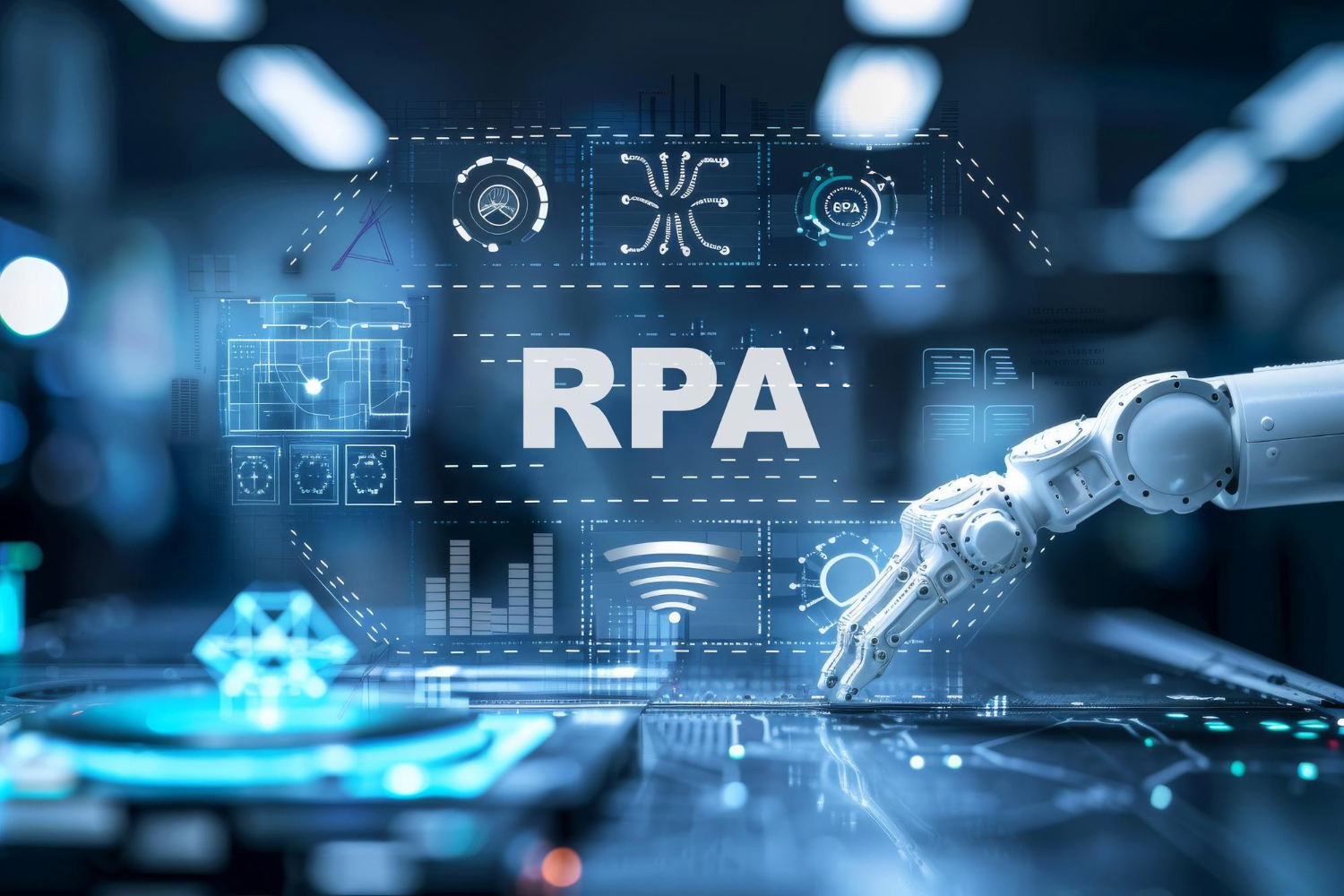
Robotic Process Automation (RPA) has dominated automation discussions for the past decade. Vendors promise "digital workers" that automate repetitive tasks without touching existing systems. Consultancies sell RPA implementations as quick wins. Media coverage suggests RPA is the future of work.
The reality is more complex. RPA solves specific problems effectively but creates others. It's fragile, expensive to maintain, and increasingly obsolete as AI and integrated automation platforms mature.
This guide explains what RPA actually does, where it genuinely fits, why it often disappoints, and why modern approaches combining AI with low-code BPM deliver better long-term results.

RPA tools automate tasks by mimicking human interaction with software interfaces.
How it works:
Common description: "Digital workers" or "software robots"
More accurate description: Screen scraping and UI automation packaged as enterprise software.
RPA bots:
What they can't do:
The fundamental limitation: RPA operates at the presentation layer. It's automating mouse clicks and keystrokes, not integrating systems properly.

Despite limitations, RPA has legitimate use cases.
Scenario: Critical legacy system with no API, database access prohibited, vendor support ended.
Example: 1980s mainframe system running core operations. Replacement would cost millions and take years. No integration options exist.
RPA value: Only practical automation option. Connects legacy system to modern applications.
Duration: Temporary bridge until system replaced or proper integration developed.
Warning: Don't build long-term strategy on RPA for legacy systems. It's a stopgap, not a solution.
Scenario: External vendor portal requiring manual data entry. No API available. Vendor won't provide integration.
Example: Government regulatory portal for compliance submissions. Manual form completion required.
RPA value: Automates data entry when no alternative exists.
Limitation: Breaks when vendor changes portal. Requires constant maintenance.
Scenario: Need automation for 3-6 months whilst proper solution developed.
Example: Merger creating temporary need to sync data between incompatible systems until migration complete.
RPA value: Quick deployment (weeks). Acceptable for short-term use.
Critical: Must have defined end date. Don't let "temporary" become permanent.
The gap between promise and reality creates problems.
The brittleness issue: RPA bots break when anything changes.
What breaks bots:
Real example: Large bank deployed 200 RPA bots. Enterprise software vendor released UI update. 180 bots broke simultaneously. Two weeks to reconfigure all bots. Business processes disrupted.
The maintenance burden: RPA requires constant upkeep. Every application change risks breaking automation.
Cost reality: Initial deployment cheap. Ongoing maintenance expensive. Total cost of ownership often exceeds proper integration.
Simple decision logic only: RPA handles "if this, do that" rules. Struggles with ambiguity or complexity.
What happens when exceptions occur:
Example: Invoice processing bot. Works perfectly for standard invoices. Encounters invoice with non-standard format. Bot crashes. Human must manually process not just exception but all queued invoices until bot restarted.
The supervision requirement: RPA isn't truly autonomous. Requires human monitoring and intervention.
RPA automates existing process: Takes broken manual workflow and makes it run faster automatically.
The problem: Automating bad process makes it faster but still bad.
Better approach: Redesign process first, then automate properly.
Example: Manual process involves data entry into three systems because they don't integrate. RPA automates the data entry. Systems still don't integrate. Root problem unsolved.
The lost opportunity: Resources spent on RPA could fund proper integration eliminating need for workaround.
The "digital worker" model: One bot = one virtual machine.
Scaling cost: 100 bots = 100 VMs = significant infrastructure and licensing costs.
Alternative: Proper integration handles same volume with fraction of infrastructure.
Hidden costs:
What happens over time:
The RPA trap: Organizations become dependent on fragile automation they can't properly maintain.

Modern automation combines AI capabilities with integrated workflow platforms.
AI capabilities:
**Low-code BPM capabilities**:
Together: AI handles understanding and intelligence. BPM handles workflow, integration, and orchestration.
RPA approach:
Limitations:
AI + BPM approach:
Advantages:
Maintenance: AI model improves with data. BPM workflow modifiable by business users. APIs provide stable integration points.
RPA approach:
AI + BPM approach:
Result: Faster, more reliable, more intelligent, easier to maintain.
RPA limitation: Operates at UI level. Can't integrate properly.
Modern platforms: Direct system integration via:
Why integration matters:
The shift: From mimicking human interaction to proper system integration.
AI capabilities are evolving rapidly beyond current RPA.
Understanding and reasoning:
Adaptive execution:
Multi-system orchestration:
RPA: Pre-programmed sequences. Fixed paths. Breaks when anything changes.
AI Agents: Goal-oriented. Adaptive paths. Handles change intelligently.
Example comparison (expense report processing):
RPA: If field A has value X, click button B, wait 2 seconds, enter value Y in field C...
AI Agent: "Process this expense report according to company policy. Route to appropriate approver. Notify employee when complete."
The difference: RPA executes steps. AI Agents accomplish goals.
Timeline: This isn't distant future. AI agent capabilities exist today and improve rapidly.
Implication: Organizations investing heavily in RPA are betting on obsolete approach.
Decision framework for automation approach.
✅ Legacy system with absolutely no integration options
✅ External vendor system outside your control with no API
✅ Very short-term need (< 6 months) whilst proper solution developed
✅ Already invested heavily in RPA and extracting remaining value
✅ Building new automation (not maintaining existing RPA)
✅ Long-term solution needed
✅ Process involves human judgment or exceptions
✅ Multiple systems with API capabilities
✅ Workflow changes frequently
✅ Need visibility and analytics
✅ Require sustainable, maintainable solution
For new automation projects in 2026: AI + low-code BPM should be default. RPA only when no alternative exists.
Why: Lower total cost of ownership, better reliability, easier maintenance, more capability, future-proof.
If you have existing RPA, plan migration.
Inventory RPA bots:
Prioritize migration:
Phase 1: Stop expansion
Phase 2: Replace high-maintenance bots
Phase 3: Systematic replacement
Phase 4: Exit RPA
Timeline: 12-24 months for most organizations.
Costs to escape:
Benefits gained:
ROI: Typically positive within 12-18 months.
Organization: Retail company, 800 employees.
Previous RPA implementation:
Decision: Migrate to AI + BPM platform.
Migration:
Results:
Cultural shift: From "automation is fragile and expensive" to "automation is reliable and valuable."
RPA served a purpose when integration was difficult and expensive. That era is ending.
The RPA reality:
The better approach: AI + low-code BPM
The decision:
New automation projects: Default to AI + BPM. Use RPA only when literally no alternative exists.
Existing RPA: Plan migration. Start with highest-maintenance bots. Complete transition within 24 months.
The trend: RPA usage declining. AI agents and integrated automation platforms rising. The transition is happening now.
Choose technologies that will remain relevant and supportable for next 5-10 years, not legacy approaches.
Build sustainable automation. Not brittle workarounds.
Insights on process automation, product updates, and what's happening at Emakin
Süreç yönetimi, ürün geliştirmeleri ve Emakin'deki güncel gelişmeler

Emakin is a low-code platform that helps businesses quickly design, automate, and manage their business processes effortlessly.





Emakin, kurumların iş süreçlerini daha hızlı, kontrollü ve verimli şekilde yönetmesine olanak tanıyan bir low-code BPM platformudur.